
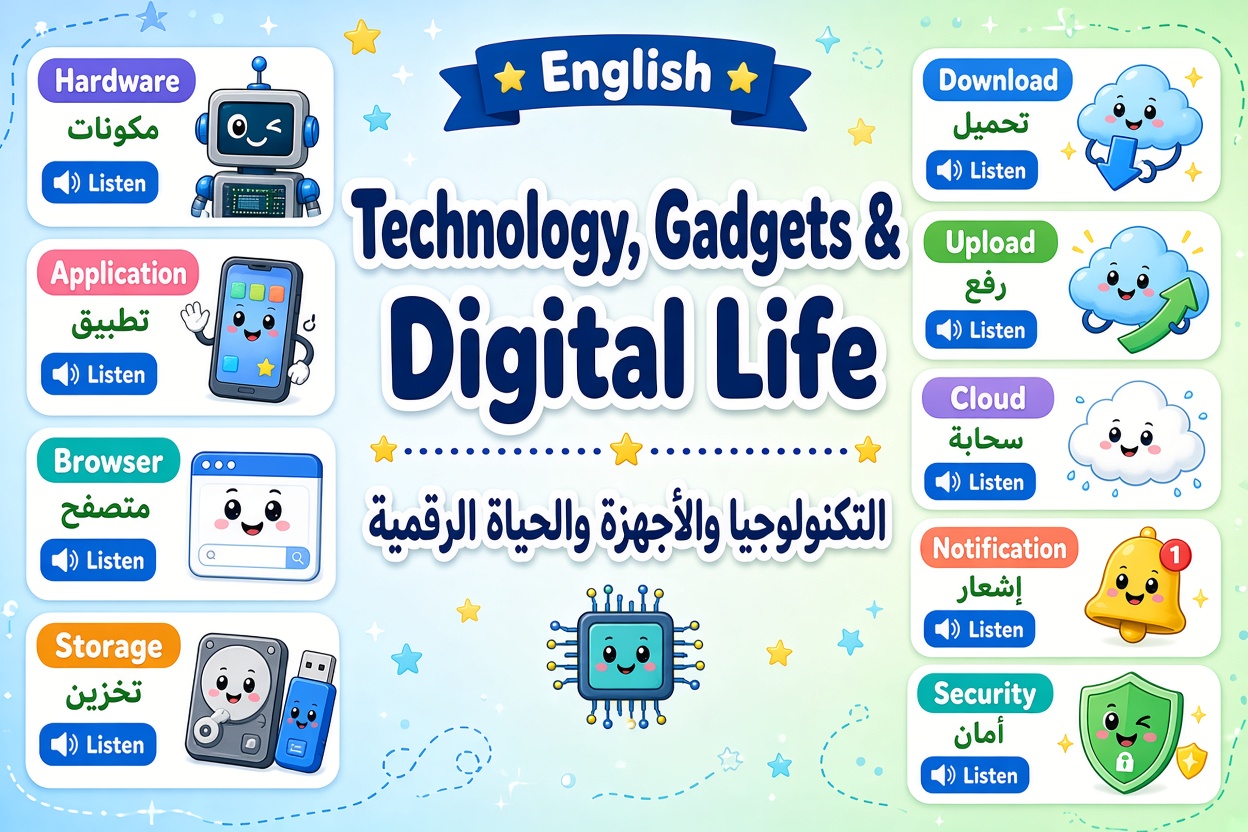
تعلم اللغة الإنجليزية : الدرس السادس – التكنولوجيا والأجهزة والحياة الرقمية
Navigating the modern digital landscape (التنقل في المشهد الرقمي الحديث) requires a solid foundation in technology vocabulary (مفردات التكنولوجيا) to communicate effectively about everyday devices, software troubleshooting, and online security (الأمان عبر الإنترنت). Whether you are setting up a home office (إعداد مكتب خانجي), managing cloud storage (إدارة التخزين السحابي), or reporting a technical issue (الإبلاغ عن مشكلة تقنية), mastering clear terminology is essential. In this intermediate lesson, you will explore 15 audio-enabled vocabulary cards, study intermediate grammar focusing on modals of recommendation and second conditionals, practice real-world dialogue, and test your skills with 6 interactive exercises.
Grammar Focus: Modals of Recommendation, Necessity & Second Conditionals in Tech Contexts
In professional and technical discussions, using appropriate modal verbs and conditional structures allows you to offer troubleshooting advice and describe hypothetical digital scenarios:
- 1. Modals of Necessity and Advice (أفعال الإلزام والنصيحة):
- Use should, ought to, or had better to give technical recommendations:
- Standard: “You should update your software regularly.”
- Stronger Warning: “You had better save your work before rebooting the system.”
- 2. Modals of Capability and Permission (أفعال القدرة والإذن):
- Use can, be able to, or may to describe digital permissions and system functions:
- Example: “Users are able to upload files up to 50MB.”
- Example: “You may access the database once authenticated.”
- 3. Second Conditional for Hypothetical Solutions (الشرط الثاني للحالات المفترضة):
- Form: If + Past Simple, would + Verb (base form)
- Used to express hypothetical digital scenarios or troubleshoot potential issues:
- Example: “If I had more cloud storage, I would backup all my video files.”
- Example: “If the browser crashed, what would you do first?”
Managing Digital Operations and Troubleshooting Technical Issues
Communicating effectively in tech-driven environments requires structured language patterns that address both daily navigation and problem-solving:
- Describing Digital Workflows (وصف مسارات العمل الرقمية): Clearly state sequential steps when explaining software operations. Use phrases like “First, establish a stable connection (اتصال مستقر), then download the application…” to give clear, orderly directions.
- Reporting Technical Problems (الإبلاغ عن المشاكل التقنية): Avoid vague explanations like “it broke.” Instead, use precise technical terms: “The application keeps freezing (يتجمد), and I cannot upload the file to the cloud storage.”
- Emphasizing Security Measures (التأكيد على إجراءات الأمان): Digital security is critical. Frame security requirements clearly: “To ensure network security (أمان الشبكة), employees must change their password every ninety days.”
IT Support & Office Tech Troubleshooting Dialogue Example
Here is a practical conversation between an employee and an IT support specialist resolving a technical issue:
- Sarah (Office Worker): Hi Mark, I am having trouble uploading a document to our internal database.
- Mark (IT Support): Hello Sarah. Is your Wi-Fi connection stable, or are you seeing a notification on your screen?
- Sarah (Office Worker): The connection seems fine, but a notification says my storage is almost full.
- Mark (IT Support): I see. If I were you, I would clear the browser cache and reboot the application.
- Sarah (Office Worker): Should I also update my password or restart the whole device?
- Mark (IT Support): Rebooting the device should fix it. If the issue persists, we will move your files to the cloud.
- Sarah (Office Worker): Perfect, thank you for the quick assistance.
Lesson Conclusion
Congratulations! You have successfully completed Level 2 – Lesson 6: Technology, Gadgets & Digital Life.
In this lesson, you mastered 15 key technical terms including Device, Software, Hardware, Application, Browser, Connection, Password, Storage, Download, Upload, Reboot, Database, Cloud, Notification, and Security. Additionally, you studied modals of advice and second conditionals to troubleshoot digital problems and guide users through technological tasks effectively.
- Tip of the Day: When giving technical advice, using second conditional structures like “If I were you, I would reboot the device…” makes your suggestions sound polite and professional.
Great job! See you in Lesson 7.